How to Type Arabic Numbers Online — ١٢٣٤٥ Free Guide 2026
Understanding the difference between Western and Eastern Arabic numerals and how to type them.
Advertisement
Eastern Arabic Numerals vs Western Arabic Numerals
١٢٣٤٥٦٧٨٩٠
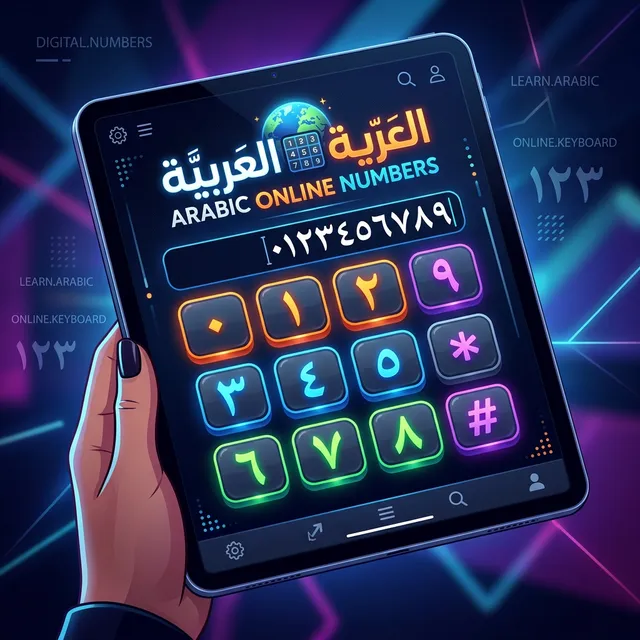
How to Type Arabic Numbers Online
At arabictypingkeyboard.com, you can type both Western and Eastern Arabic numerals. Eastern Arabic numbers are available in the Numbers section of our keyboard.
- Open arabictypingkeyboard.com
- Look for the number row at the top of the keyboard
- Tap any number to insert it at the cursor
- For Eastern Arabic numerals specifically, the number buttons on the OSK show the Arabic-Indic form
💡 Tip: When in Arabic mode, the number keys on your physical keyboard (1, 2, 3...)
output Western Arabic numerals. Use our on-screen keyboard number row for Eastern Arabic numerals.
Advertisement
Where Eastern Arabic Numbers Are Used
- Formal Arabic documents — government, legal, academic
- Quranic text — verse markers use Eastern Arabic numerals
- Arabic newspapers and books
- Pakistani Urdu — Urdu also uses Eastern Arabic numerals
- Persian/Farsi — similar number system
Arabic Number Words to Know
Advertisement
Related Guides
- How to Type Arabic Online — Beginner Guide
- Arabic Keyboard Shortcuts Reference
- Common Arabic Phrases to Type Online
Type Arabic Numbers Online — Free!
Accurate Eastern and Western Arabic numerals at your fingertips.
⌨ Open Arabic KeyboardFrequently Asked Questions
What is the
difference between Arabic numerals and Eastern Arabic numerals?
Arabic numerals (1,2,3) are used globally. Eastern
Arabic numerals (١,٢,٣) are the original Arabic digit forms used in formal Arabic and Urdu
writing.
How do I type
١٢٣ online?
Use the number row on our on-screen keyboard at
arabictypingkeyboard.com. All 10 Eastern Arabic-Indic digits are available.